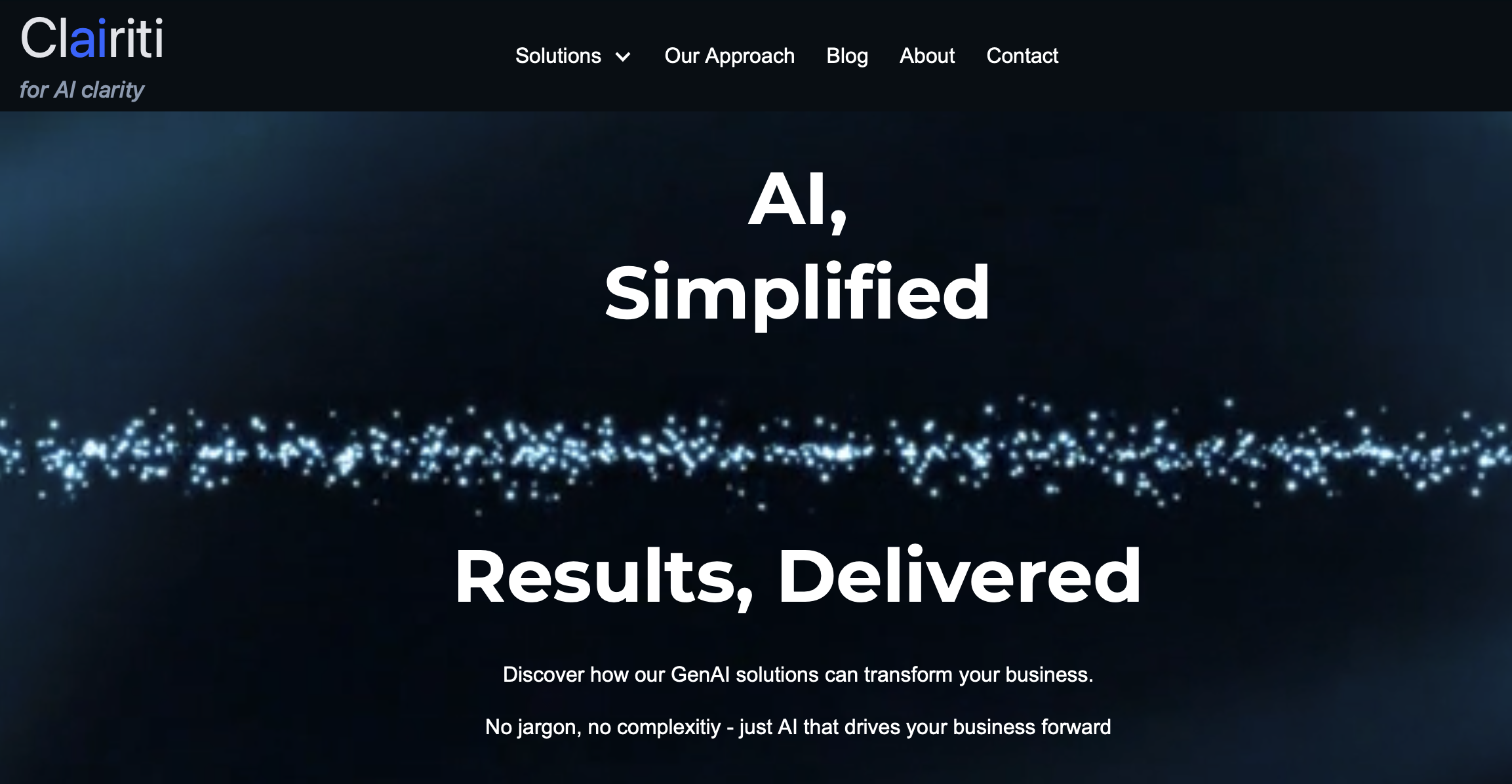
Search on Google for “AI website builder” and you’ll stumble upon endless promises: “live in one minute!”, “vibe coding”, “AI websites in seconds”. And yes, if you’re happy with a generic template where you just swap text and images, those promises hold up.
But if you want a site that truly reflects your wishes, with custom pages, specific layouts, and a blog function, that’s where it gets tricky. Most AI builders can create something, but only within their predefined formats.
Our choice: Webflow + AI
After experimenting with a few tools and doing some research through ChatGPT and Copilot, we chose the AI Builder in Webflow. You can feed it a briefing about who you are and what you do, and it generates a surprisingly solid first draft.
But as soon as we tried to tweak things further, the AI Builder fell short. That’s when you land in Designer Mode: a screen full of options with terms like div block, container, and padding. For seasoned developers, no big deal. For us? Total gibberish.
That’s when we decided to run a new experiment: could we, with zero knowledge of HTML or web development, build and refine a website together with AI?
Collaborating with ChatGPT
We started simple: “I want to change this, how do I do it in Webflow?”
But because we gave too little context, we got overly generic and often way too technical answers.
The turning point came when we stopped “prompting” and started treating ChatGPT like a colleague. We shared screenshots, described what we wanted in plain language, and were explicit: “Remember: we’re 100% beginners. Give us instructions we can actually follow.”
From then on, we talked to ChatGPT like a teammate. Frustrations included:
“Look closely at the screenshot: the button you mention isn’t even there. Are you sure this is Webflow-specific, or did you pull this from somewhere else?”
That’s when ChatGPT either apologized and retried… or pointed out that we had overlooked something and highlighted exactly where to click next.
Facts & figures
Building, building, building
- 45 conversations about Webflow
- 1,546 total messages
- 514 prompts from us (avg. 220 characters, max >1,700)
- 749 ChatGPT replies (avg. ±1,400 characters)
- 222 screenshots shared
Our prompting evolution
- Start: short questions (~50 characters) → “How do I add a blog in Webflow?”
- End: long briefings (>1,700 characters) → with context, examples, and requirements
- ChatGPT shifted from Q&A bot to project partner we had to instruct
Where things went wrong
- Answers too technical (code snippets with no place in Webflow)
- Advice meant for WordPress instead of Webflow
- Steps missing here and there
We fixed this by staying critical, sharing screenshots, and pushing back when things didn’t add up.
Costs vs. savings
- Paid: Webflow CMS plan (€30/month), domain (€12/year), and ±60 hours of evenings/weekends
- Not paid: web developer (€2,500–5,000), designer (€800+), copywriter/SEO (€500–1,500)
- Conservative savings: €3,000–6,500
What we learned
- AI can turn beginners into decent developers, but only with the right questions
- AI makes mistakes and that’s fine, as long as you correct them
- You don’t need to know code but you do need curiosity and persistence
- Screenshots are key; multimodal AI (text + image) makes learning concrete and fast
Conclusion
We built a complete Webflow site with a blog, starting from zero experience. With ChatGPT as our digital project partner. It was sometimes frustrating, often educational, and ultimately just a lot of fun.
And maybe that’s the key message: AI won’t do the work for you, but it accelerates and amplifies you. From zero knowledge to something we could never have built on our own.